Image compression is a huge deal for websites.
There are ways you can save your slices to crunch them way down in file size and preserve the integrity of the image.
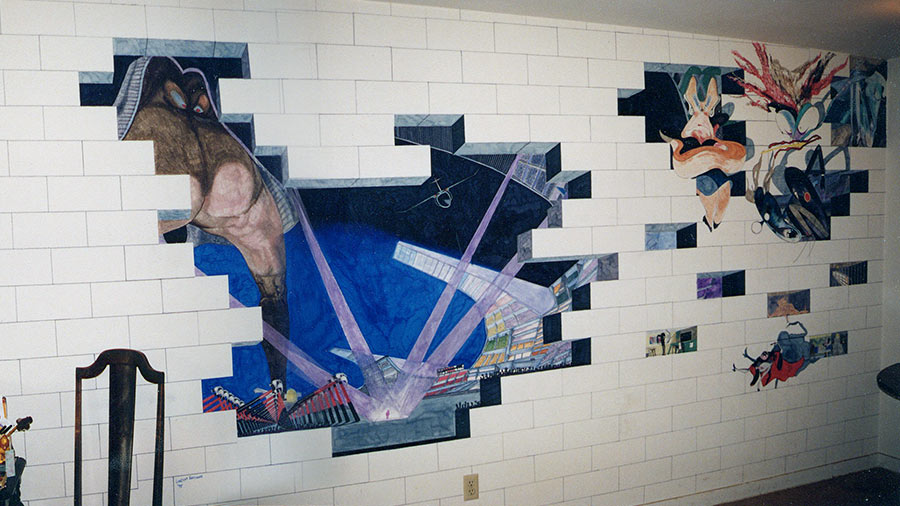
You should save an image as a JPG if it has a photo in it or a complex background. Basically, anything that isn’t a solid color should get saved as a .jpg.
If you are using Photoshop’s Save for web, select 2-UP so you can see the original on the left and the one you’re editing on the right. Make sure the right image is selected and choose JPG from the drop down menu on the right. I usually set my compression to 55. If your page isn’t graphics-heavy, you can go higher. Some images will show degradation at 55, so you may want to bump it up a little.
If your image is solid color – like my logo for instance – save it as a GIF. Solid color has no gradients or halftones, hence less colors. Think of it as a cartoon or coloring book. You have lines and shapes filled with solid color.
Go back to Save for web and get your 2-UP. Choose GIF in the drop down on right. My logo is 2 colors. I can go pretty low on the compression. I will usually bump it up to 8 or 16 colors to keep the text from looking choppy. Determine about how many colors you have in your slice and set the GIF compression to match. 256 is the highest you can go, unfortunately (which is why slices with halftone photos in them don’t make good GIFs).
The file sizes will be much smaller when you save it in the right format. While you’re tweaking your compression levels, look under the image and it will show you the file size at the current settings. Sometimes, I’ll have a slice and can’t decide if it would be better as a GIF or JPG. I’ll select one, then the other and see which one is smaller. That’s the one you want. The file size will be bigger if you make the format render something it’s not meant to.
Every site I do is hand cut and hand compressed. I take all of the slices in the beginning that are different. Figure out the format and compression and use that setting for each slice like it, carefully watching each one. Sometimes you need to give special attention to certain cuts to get the best result.